


Menu Bar
Keyameleon
By Federico Mastrini
Keyameleon app icon supplied by the developer.
Give each keyboard its own input source.
Screenshots
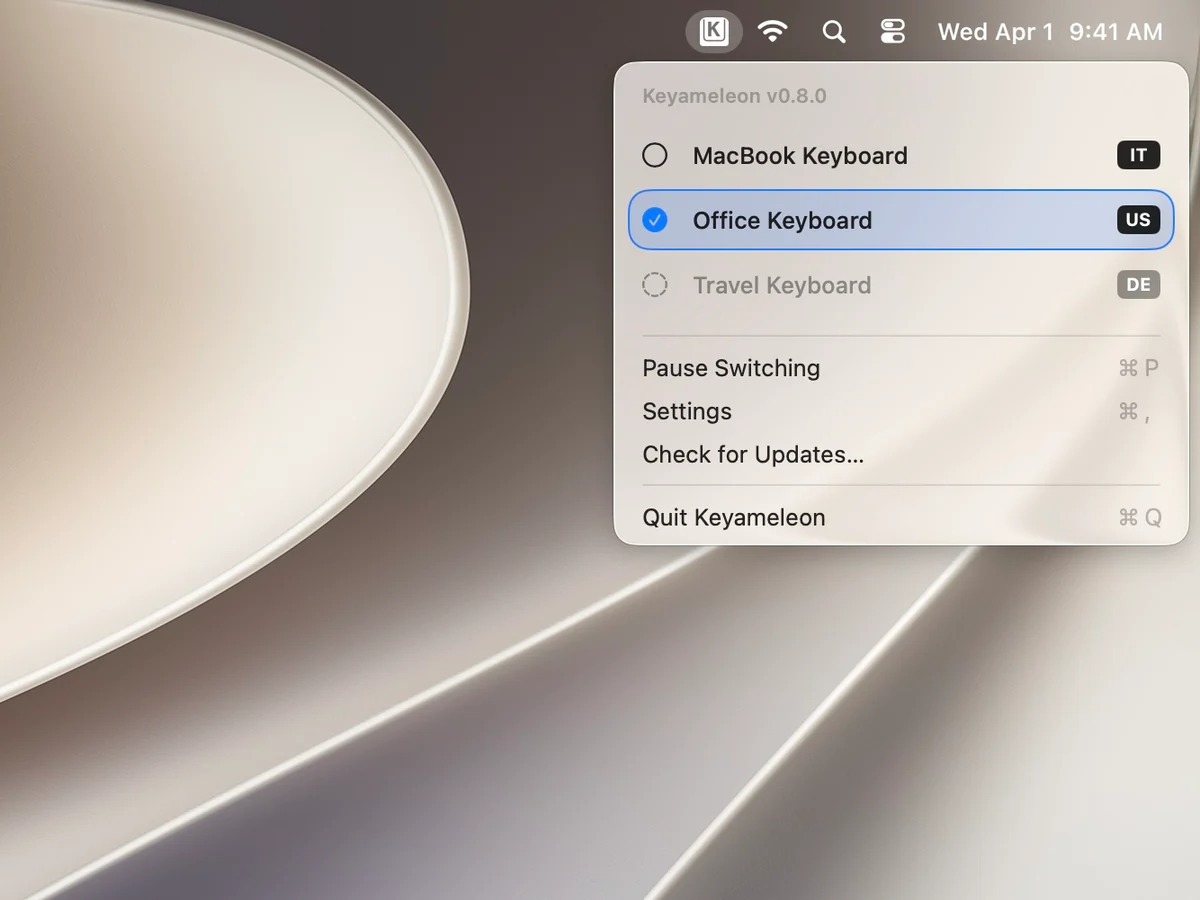
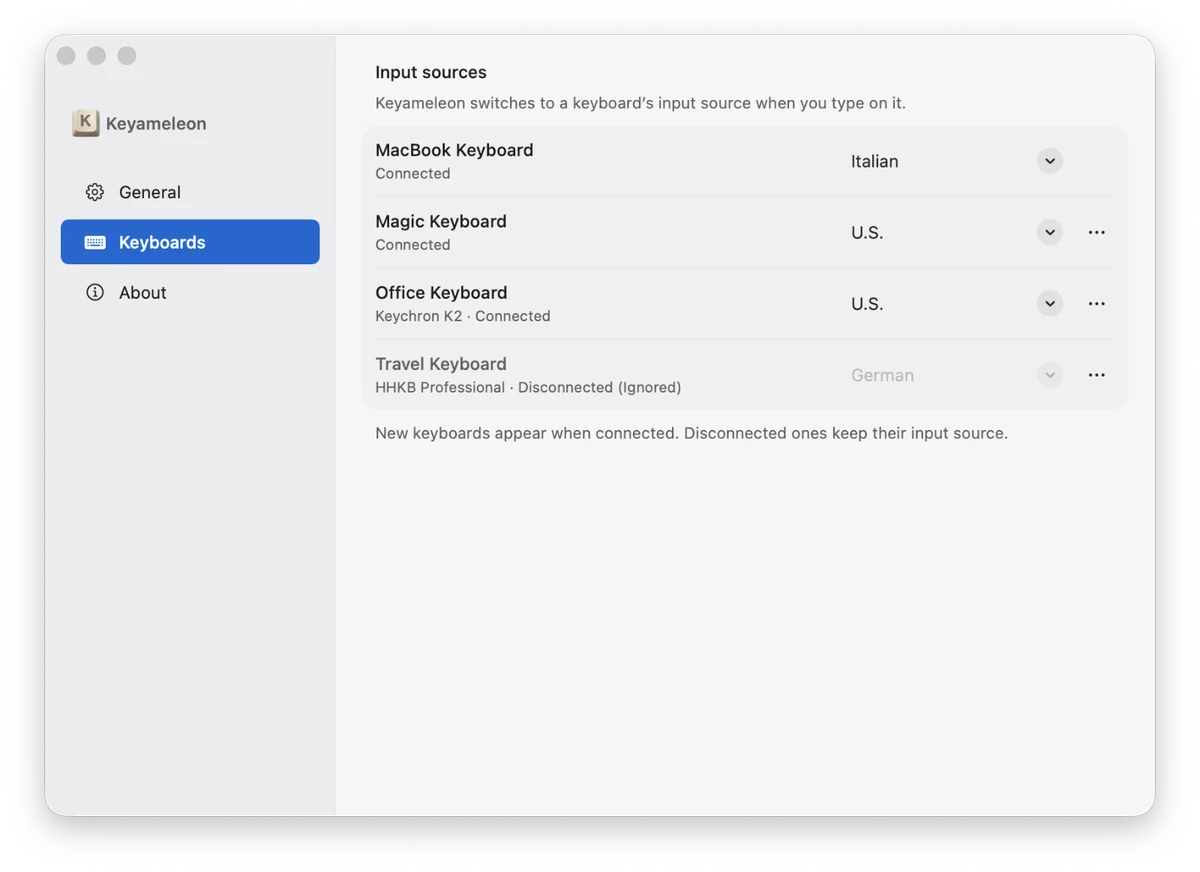
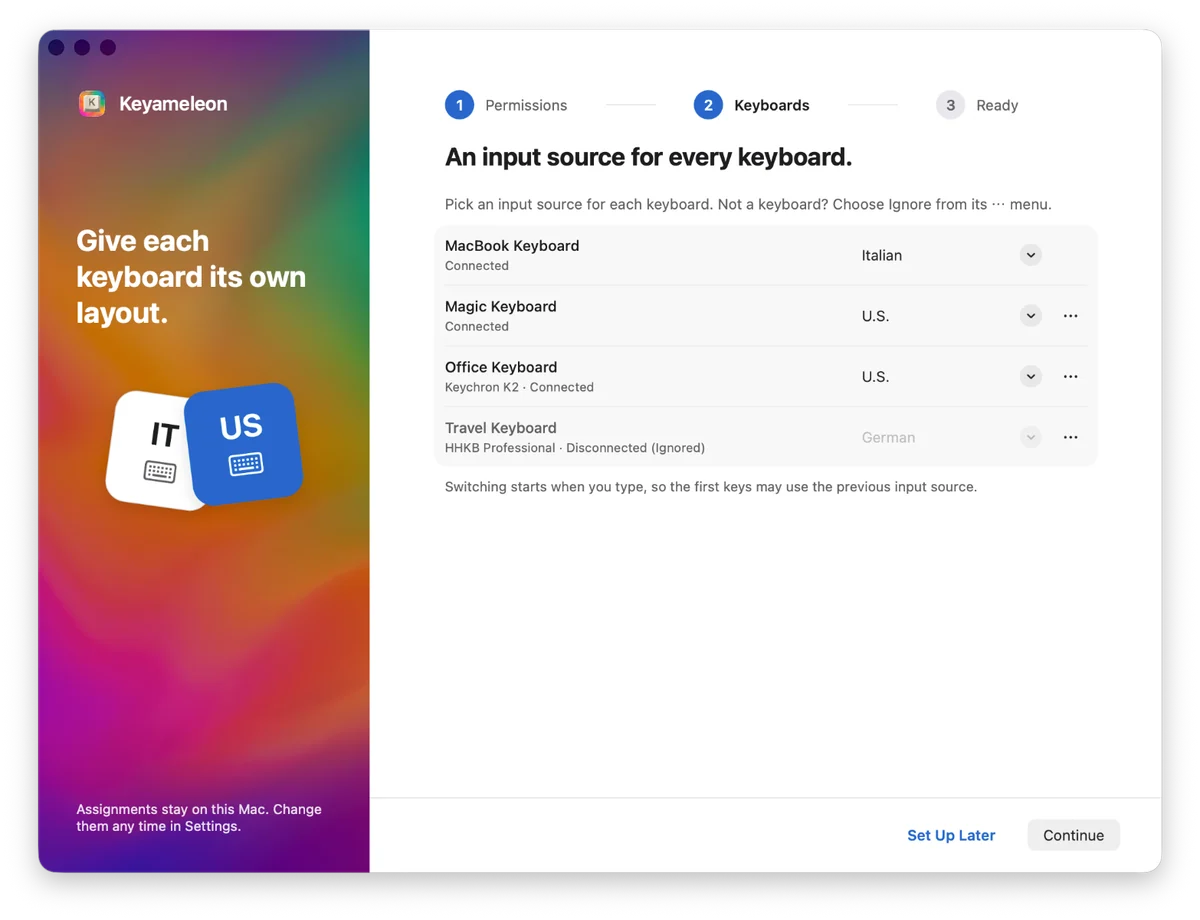
Overview
Keyameleon is a free, MIT-licensed menu bar utility that assigns an input source to each keyboard. The developer says Input Monitoring identifies which physical keyboard produced activity so Keyameleon can switch to that keyboard’s assigned source; switching starts with keyboard activity, so the first keys can use the previous source before the switch completes. The developer says typed content is not saved, logged, or sent; keyboard assignments, settings, and operational logs are stored locally. The developer says network requests are limited to update checks and updates the user approves. The current v0.9.0 release requires macOS 26 or later; the developer declares support for Apple silicon and Intel. This listing reflects official sources and has not been hands-on tested.
About this listing
AI helped prepare and check this listing using official sources. We haven’t used the app ourselves.
Before you download
- The first image illustrates an older version. The other images do not have a confirmed version.
- The app uses Input Monitoring to identify your keyboard. Its privacy statements come from the developer and have not been independently tested.
Will it work on my Mac?
- Apple silicon Macs
- Supported
- Intel Macs
- Supported
For the latest release and requirements, check the developer’s website.
- Developer website · Checked
- Source repository · Checked
- Source repository · Checked
- Source repository · Checked
Get the app

Sources and last checked
- Developer website · keyameleon.app
Checked
App details · Pricing · Mac requirements · Downloads · App images
- Source repository · github.com
Checked
App details · Mac requirements
- Release notes · github.com
Checked
App details · Downloads
- License · github.com
Checked
App details · Pricing
- Source repository · github.com
Checked
App details
- Source repository · github.com
Checked
Mac requirements
- Source repository · github.com
Checked
App details · Mac requirements
 Developer website · keyameleon.app
 Source repository · github.com
Review details
- Recorded version reference
- 0.9.0