

Productivity
SnapState
By SnapState team
Restore Mac windows, apps and browser tabs across Spaces after sleep or a monitor reconnect.
Screenshots
Overview
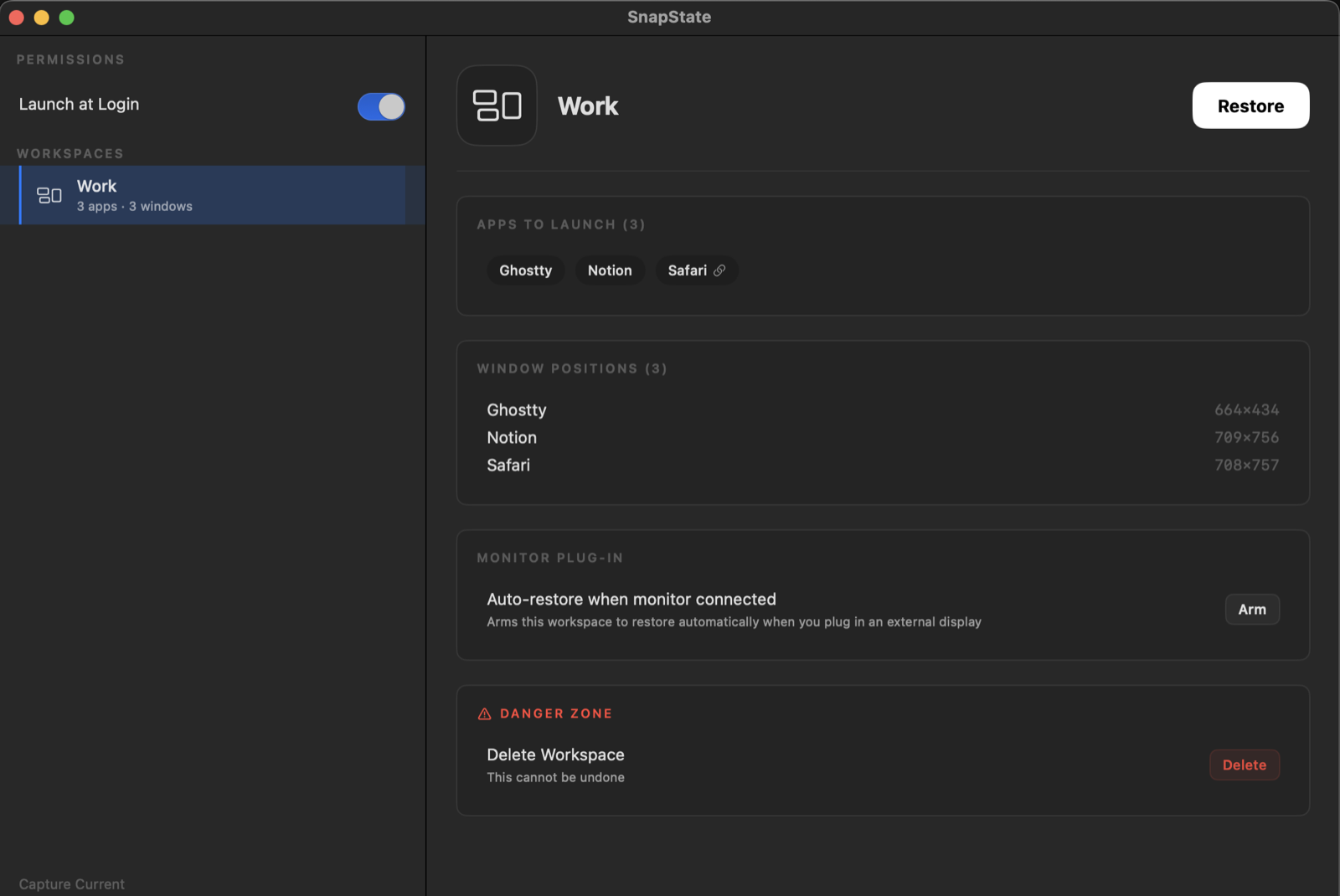
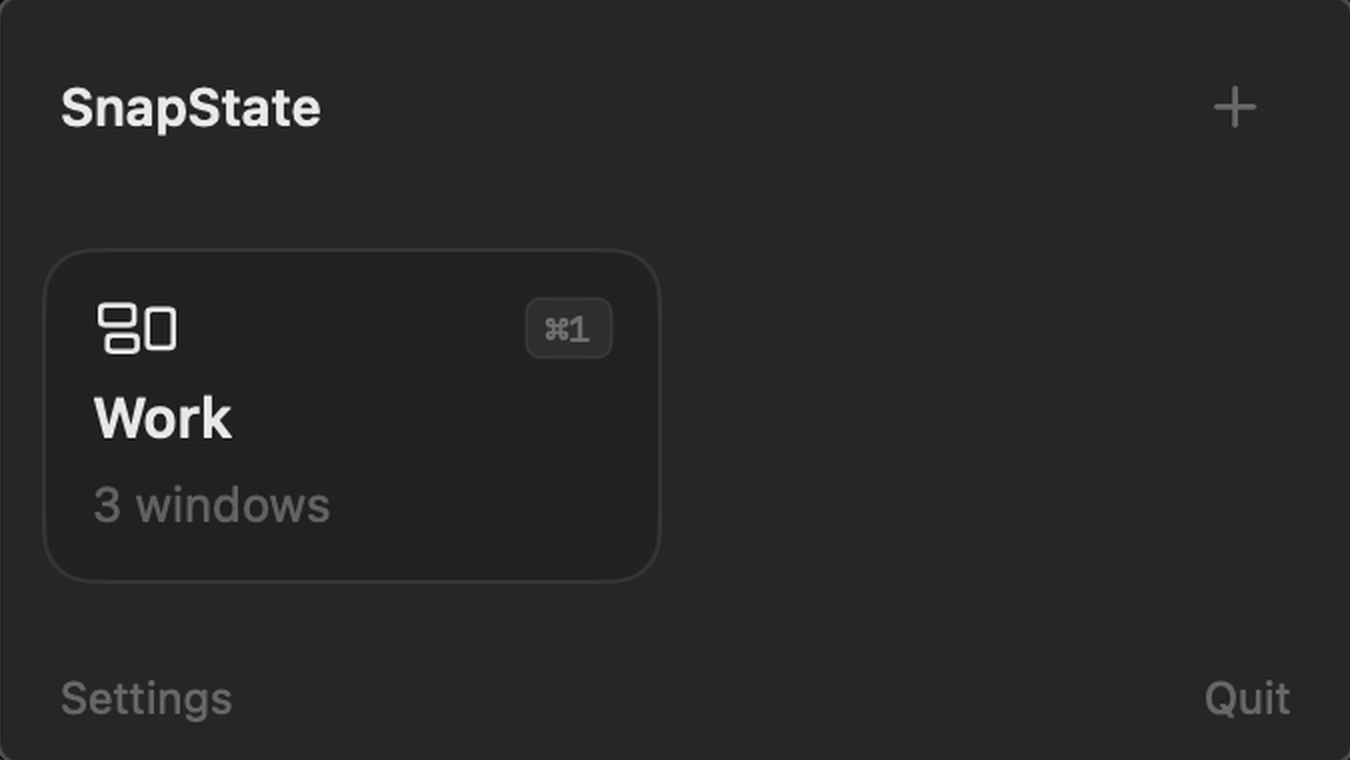
SnapState is a native macOS menu-bar app for saving and restoring workspaces. Capture window positions and sizes, the apps behind them and the display layout, then restore a workspace with a click or keyboard shortcut. Saved layouts can adapt to a different monitor setup. Optional automation restores a saved workspace when a display connects or disconnects, or when the Mac wakes. Version 2.7.1 captures and reopens all open tabs in supported browser windows, including Safari, Chrome, Edge, Brave, Arc and Chromium. Since version 2.7.0, it saves and restores window layouts across multiple macOS Spaces; each Space is restored when you switch to it. Tab groups are not saved, and windows are not moved from one Space to another. Window management requires Accessibility permission, and browser integration requires Automation permission. Workspace layouts, window titles and browser URLs stay on the Mac. Separately, the app sends anonymous usage signals through TelemetryDeck and makes HTTPS license-validation requests to Lemon Squeezy. This means the app is not entirely offline. The official site lists macOS 15.7 or later and support for Apple silicon and Intel. The price is US$9.99 once for up to three personal Macs, with a 14-day refund policy and no free trial. Details are based on official documentation and the developer's confirmation, not hands-on testing.
About this listing
Details were checked against the developer’s official information. We haven’t used the app ourselves.
Will it work on my Mac?
- Apple silicon Macs
- Supported
- Intel Macs
- Supported
For the latest release and requirements, check the developer’s website.
- Pricing · Checked
Get the app

Sources and last checked
- Pricing · getsnapstate.com
Checked
App details · Pricing · Mac requirements · Downloads
- Privacy policy · getsnapstate.com
Checked
App details
- Terms · getsnapstate.com
Checked
App details
- Official source · getsnapstate.com
Checked
 Pricing · getsnapstate.com
 Privacy policy · getsnapstate.com
Review details
- Compatibility reviewed for
- 2.7.1
Reviewed
- Compatibility source notes
- Native macOS app; macOS 15.7 or later; Apple silicon and Intel, according to the official website.