


Utilities
Split
By Luke Parker
Arrange Mac windows with shortcuts or drag-to-snap
Screenshots
Overview
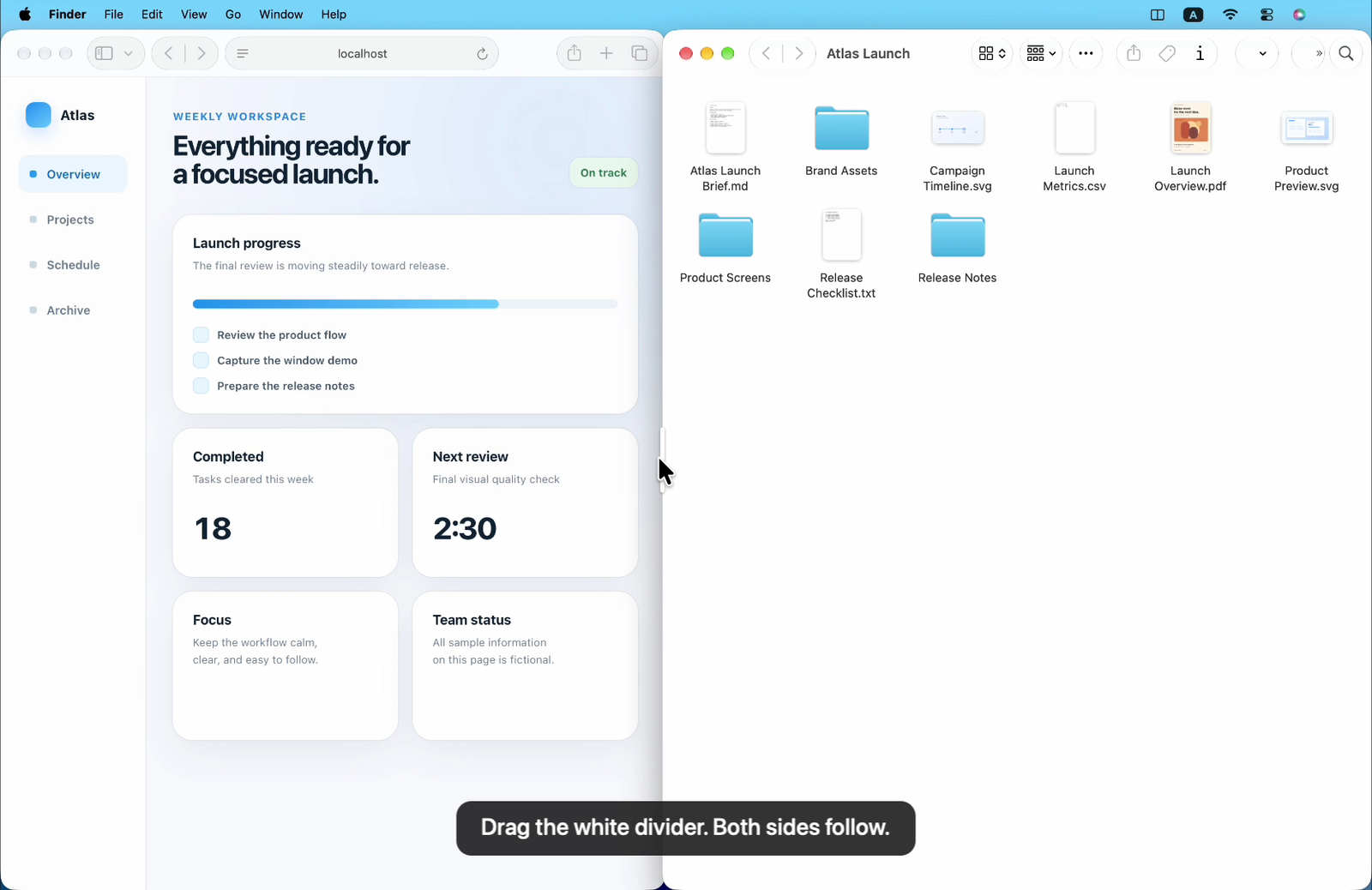
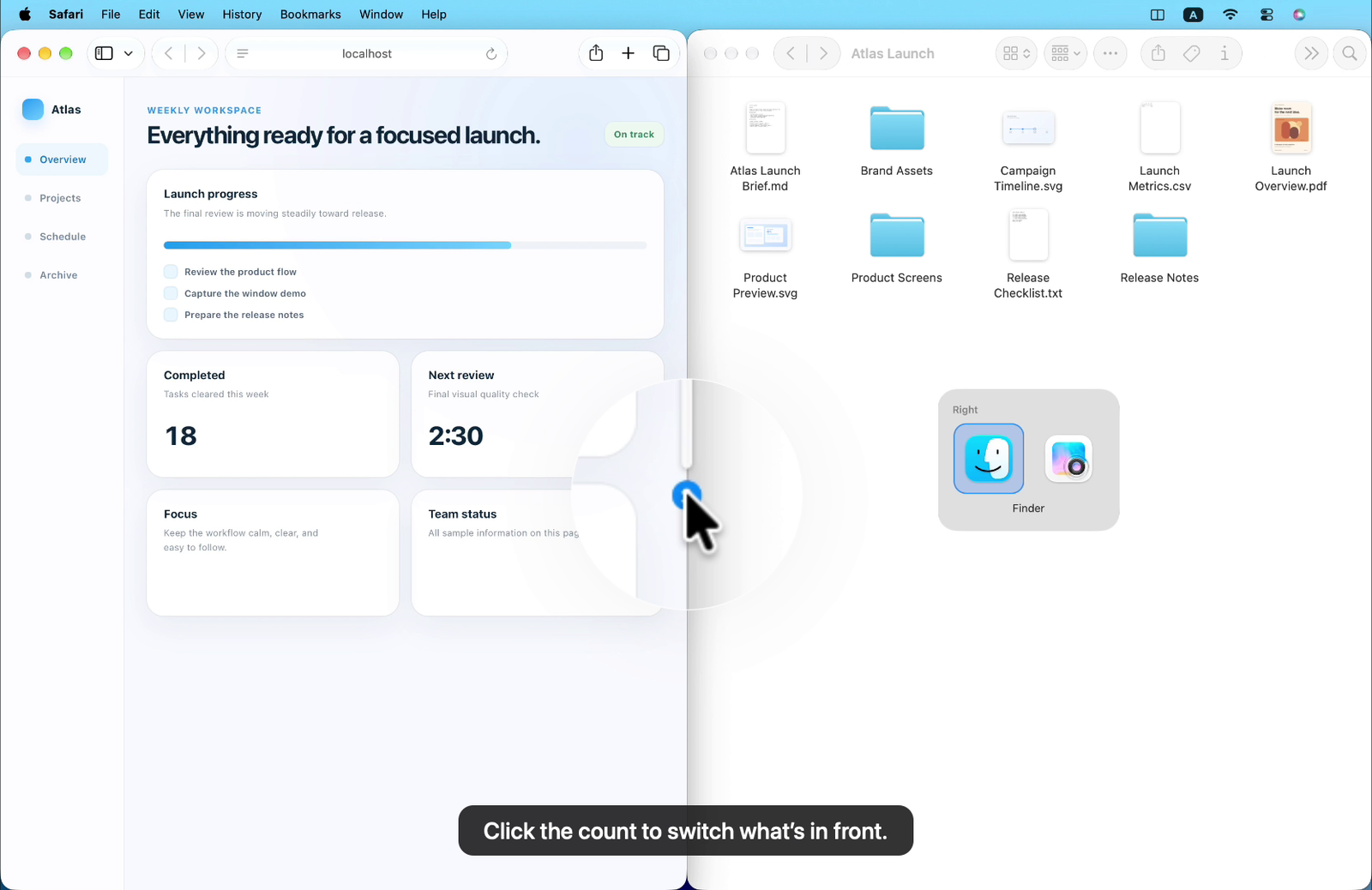
Split arranges windows on the current Mac display with keyboard shortcuts, drag-to-snap and a shared divider that resizes paired windows together. It also offers window switching, swapping and optional suggestions based on locally stored app pairings. The US$4.99 one-time license covers one active Mac, includes future updates and can be moved to another Mac; no trial is offered. Accessibility access is required for window actions. The developer states that window activity stays on the Mac, while account, licensing and update services require network access.
About this listing
Details were checked against the developer’s official information. We haven’t used the app ourselves.
Will it work on my Mac?
- Apple silicon Macs
- Supported
- Intel Macs
- Supported
For the latest release and requirements, check the developer’s website.
- Mac requirements · Checked
Get the app


Sources and last checked
- Mac requirements · splitformac.com
Checked
App details · Mac requirements · Downloads
- Pricing · splitformac.com
Checked
App details · Pricing · Downloads
- Privacy policy · splitformac.com
Checked
App details
- Official source · splitformac.com
Checked
App details
 Mac requirements · splitformac.com
 Pricing · splitformac.com
Review details
- Compatibility reviewed for
- 1.1.17
Reviewed
- Compatibility source notes
- The official product and support pages list macOS 13 Ventura or later on Apple silicon and Intel Macs. The developer identifies the reviewed release as 1.1.17; installation, signing, notarization and runtime behavior were not independently tested.