


Utilities
Switchback
By Gavin Shipman
Adds Explorer-style tools to Finder. Setup lowers macOS startup security.
Screenshots
Overview
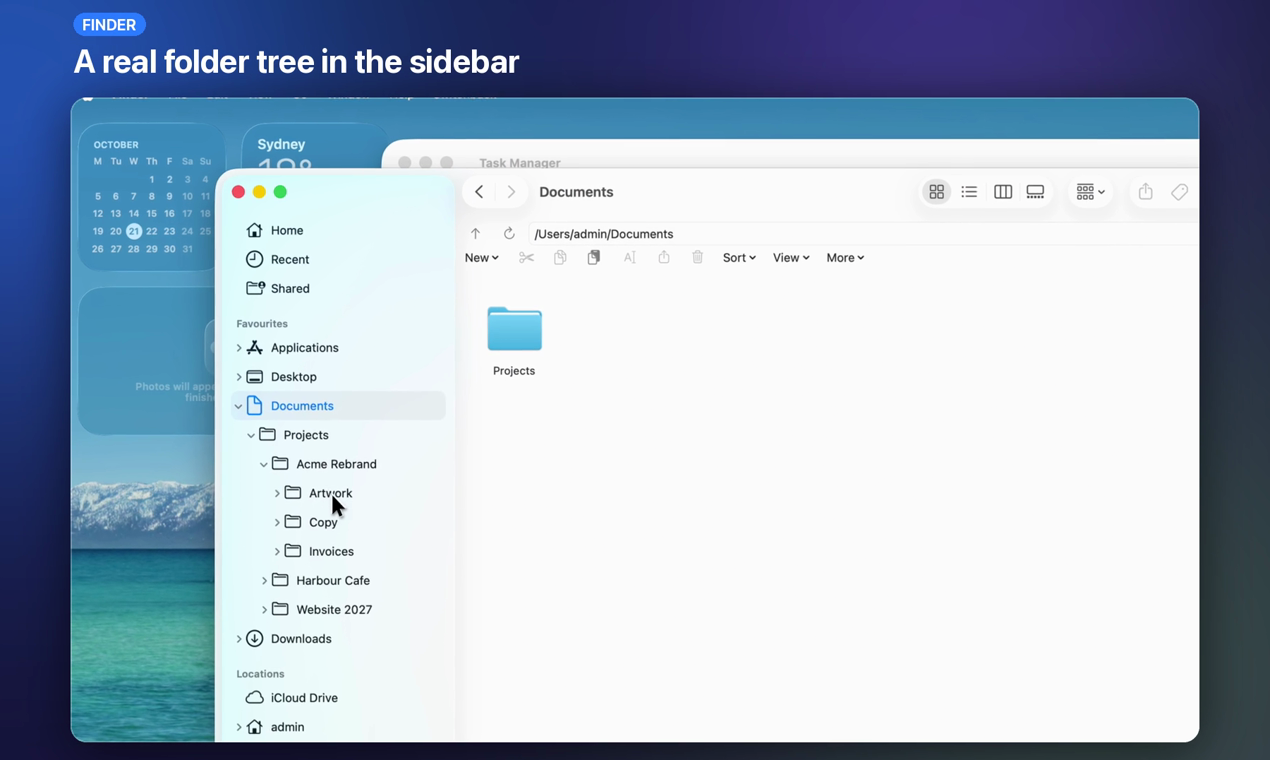
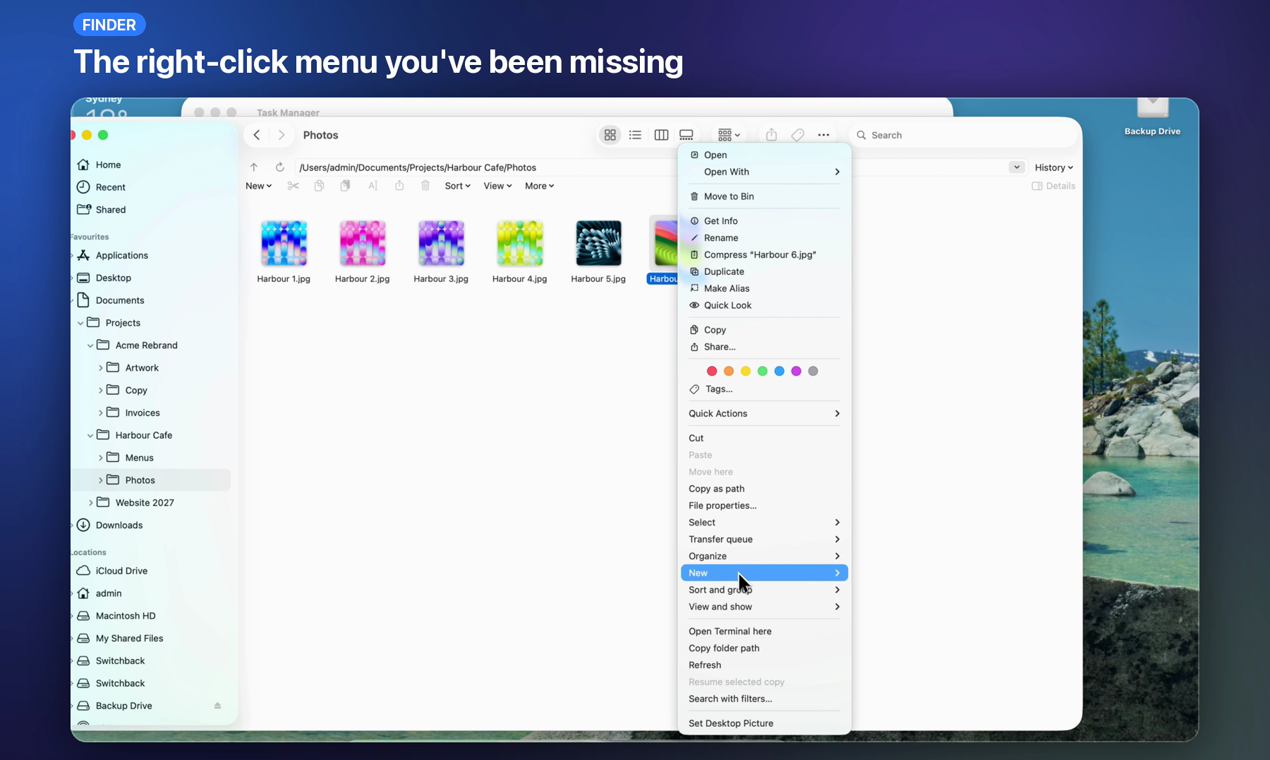
For Finder integration, Switchback requires Apple Recovery setup and Permissive Security for the selected macOS installation. Uninstalling the app does not restore those settings. Review the developer’s setup and restoration instructions before installing. Switchback adds a folder tree, a typeable path bar and progress controls for supported copy operations to Finder. It also offers a Task Manager in Force Quit and optional window snapping. The 14-day trial begins after native setup succeeds.
About this listing
Details were checked against the developer’s official information. We haven’t used the app ourselves.
Will it work on my Mac?
- Apple silicon Macs
- Supported
- Intel Macs
- Supported
For the latest release and requirements, check the developer’s website.
- Mac requirements · Checked
Get the app

Sources and last checked
- Downloads · getswitchback.io
Checked
App details · Mac requirements · Downloads
- Mac requirements · getswitchback.io
Checked
App details · Mac requirements
- Pricing · getswitchback.io
Checked
App details · Pricing
- Privacy policy · getswitchback.io
Checked
App details
- Source repository · github.com
Checked
App details
 Mac requirements · getswitchback.io
 Pricing · getswitchback.io
Review details
- Compatibility reviewed for
- 1.0.1
Reviewed
- Compatibility source notes
- macOS 13 or later. Supports Apple silicon and Intel Macs.