

Productivity
Timing
By Timing Software GmbH
Timing — official press kit. Icon by Matthew Skiles. Newer versions may look different. Image source and usage.
See where your Mac hours go, then turn them into project timesheets.
Screenshots
Overview
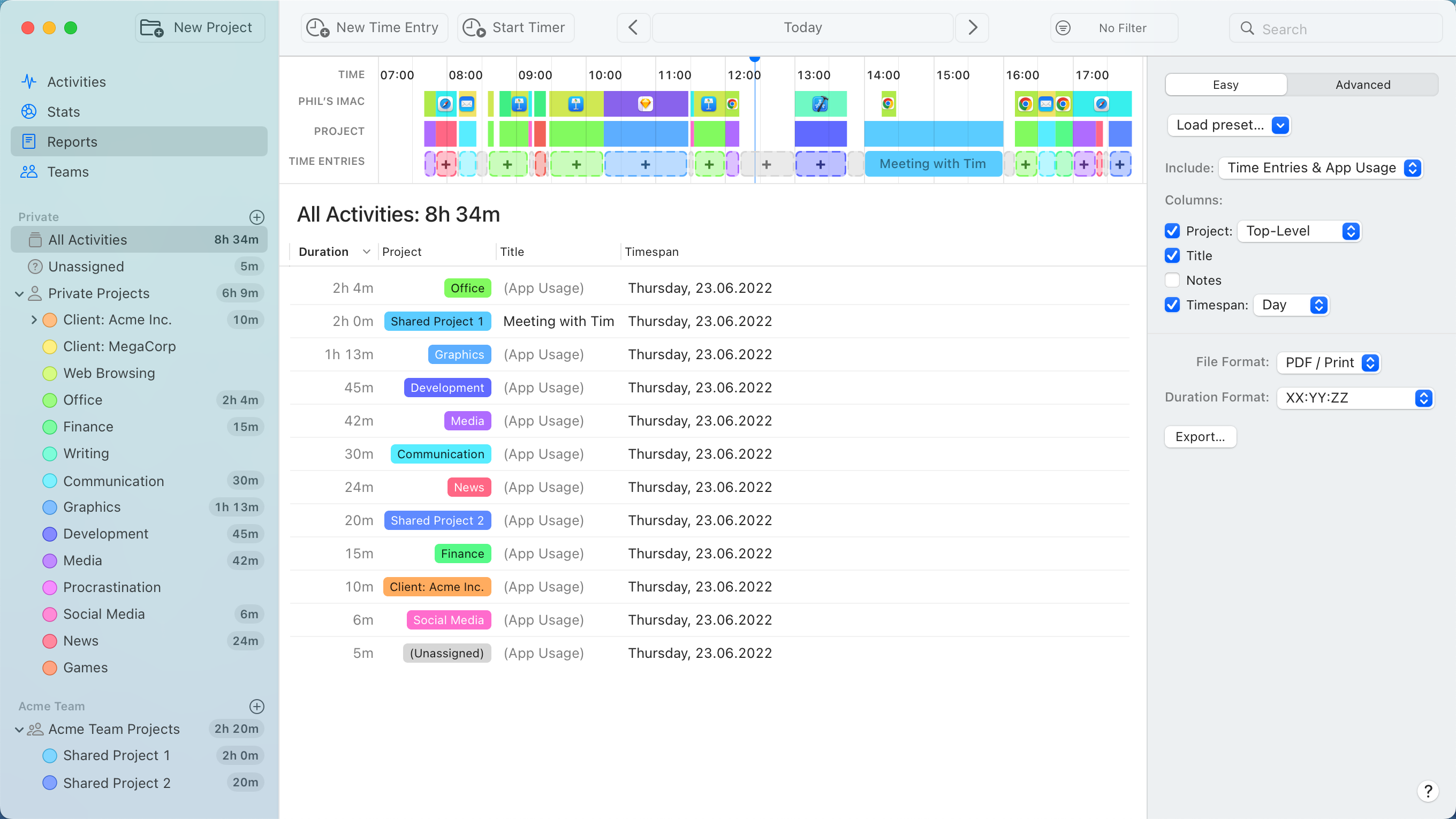
Timing automatically records activity across Mac apps, documents, and websites, then lets you assign that activity to projects and turn it into reports or timesheets. Its Exclusions feature can leave selected app activities out of tracking; available features and the number of Macs depend on the plan.
About this listing
AI helped prepare and check this listing using official sources. We haven’t used the app ourselves.
Will it work on my Mac?
- Apple silicon Macs
- Not confirmed — check the developer’s requirements
- Intel Macs
- Not confirmed — check the developer’s requirements
For the latest release and requirements, check the developer’s website.
- Release notes · Checked
Get the app

Sources and last checked
- Developer website · timingapp.com
Checked
App details · Downloads
- Pricing · timingapp.com
Checked
App details · Pricing · Downloads
- Terms · timingapp.com
Checked
Pricing
- Help and support · timingapp.com
Checked
App details
- Help and support · timingapp.com
Checked
Pricing
- Release notes · timingapp.com
Checked
App details · Mac requirements
- Developer website · timingapp.com
Checked
App details · App images
- Help and support · timingapp.com
Checked
App details
 Developer website · timingapp.com
 Pricing · timingapp.com
 Help and support · timingapp.com
Review details
- Recorded version reference
- 2026.5.2