


Productivity
Yap
By O-mega Enterprise Inc.
Voice dictation and local history for Apple Silicon Macs.
Screenshots
Overview
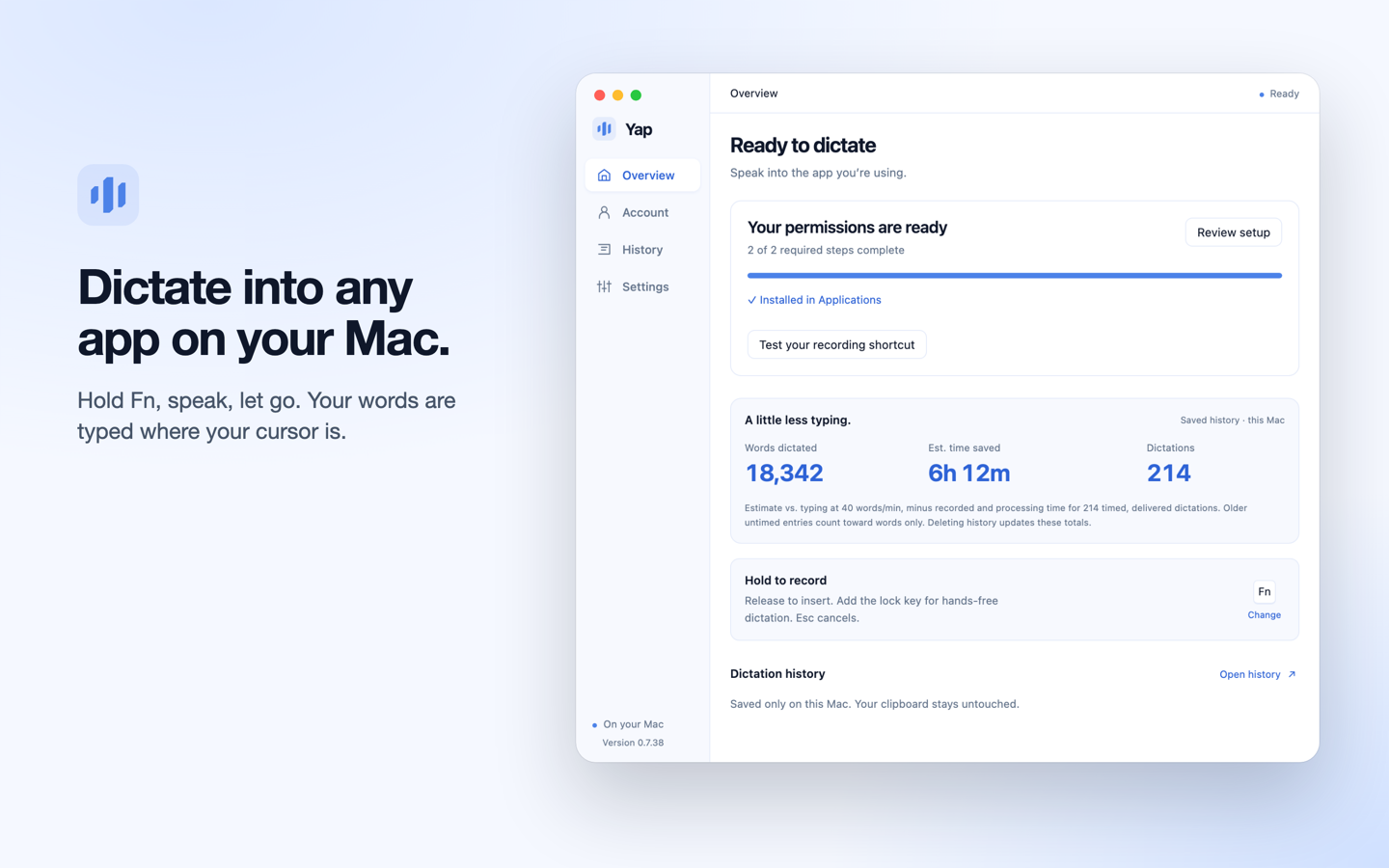
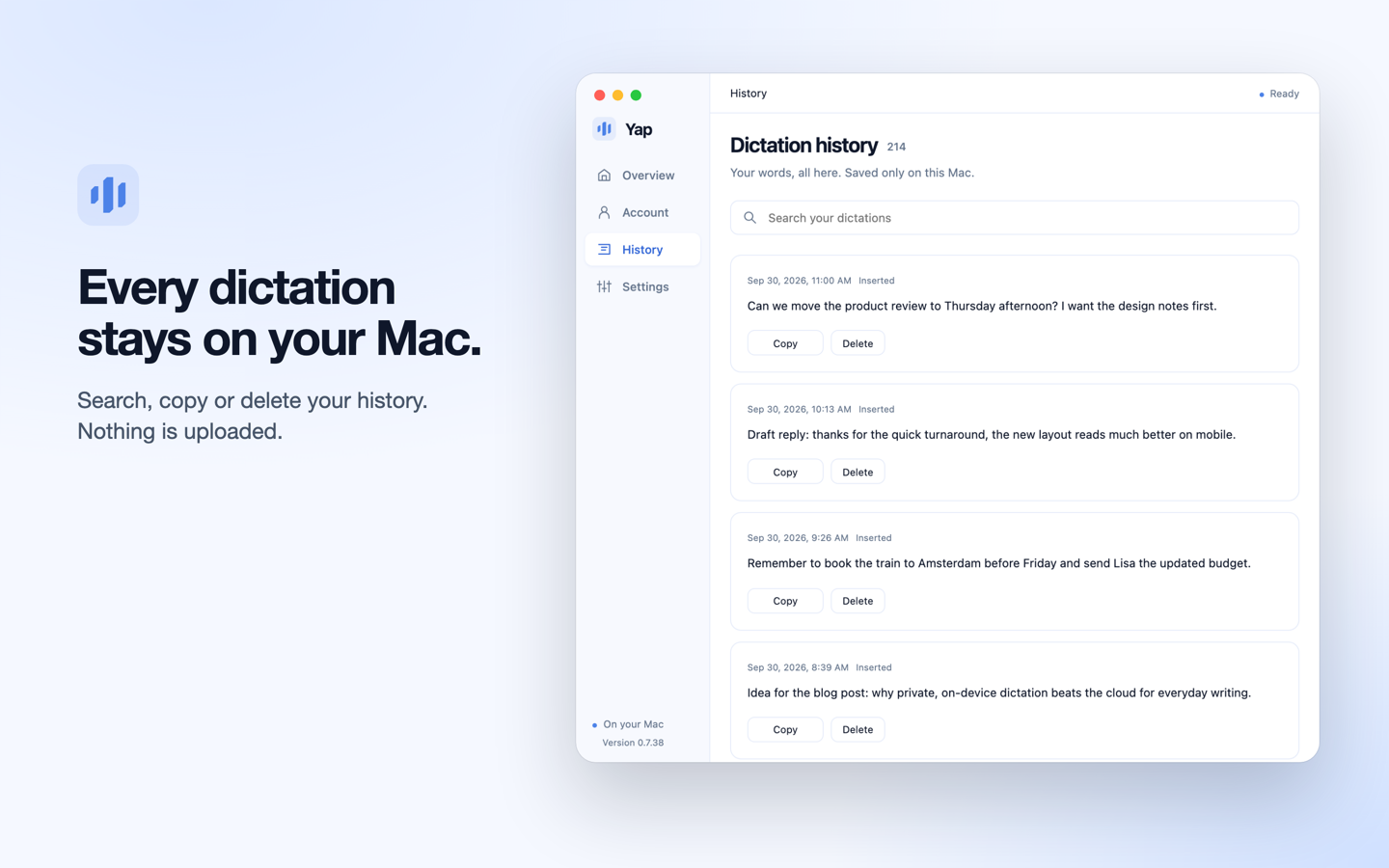
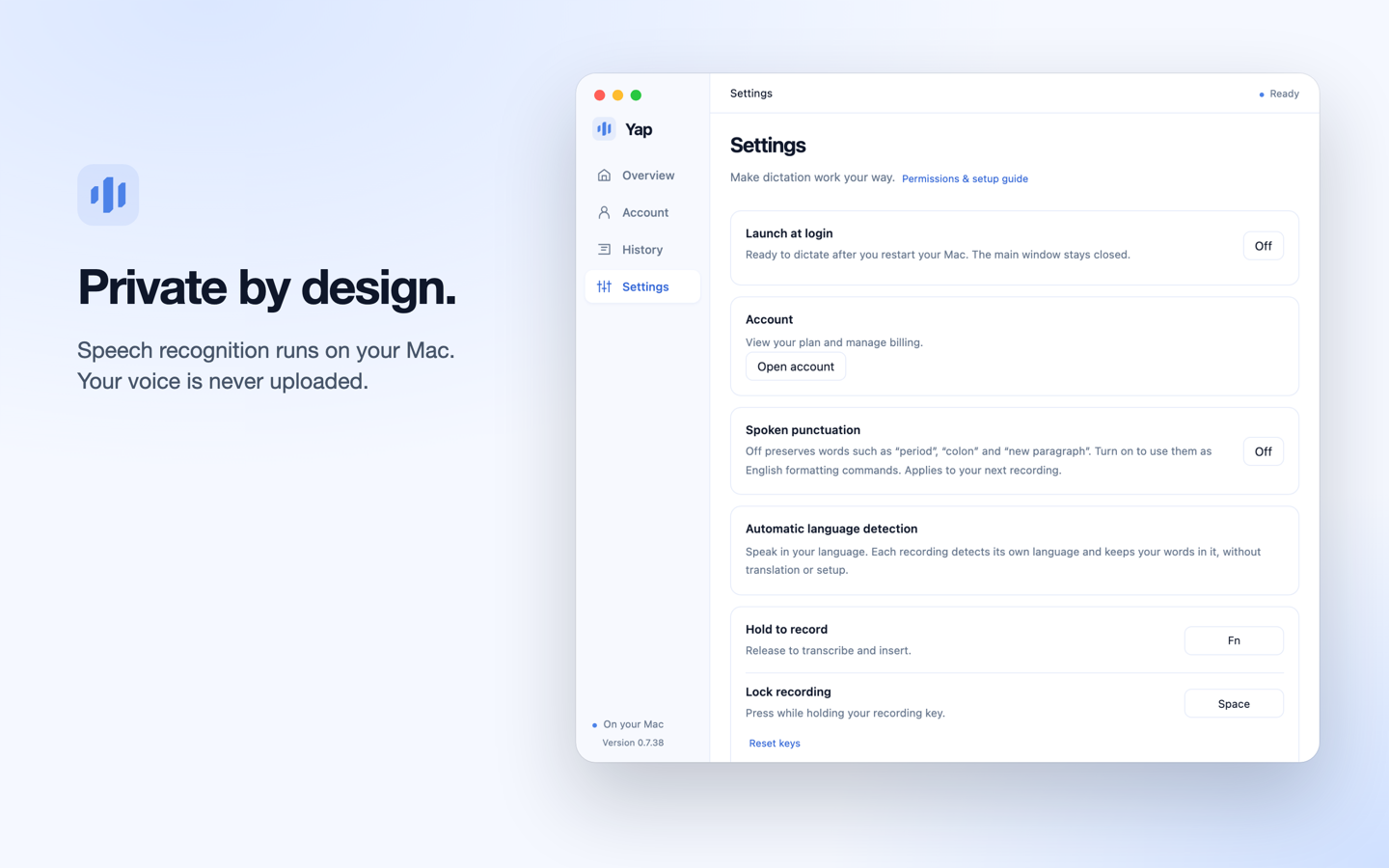
Yap is a voice-dictation app for Mac and Windows. On a supported Mac, hold the recording shortcut, speak and release it to insert transcribed text into the active app. Its local dictation history can be searched, copied or deleted. The official Mac download is listed as version 0.7.40 for Apple Silicon Macs running macOS 13 or later; no Intel Mac build is offered. Speech models download on first use. According to the privacy policy, Mac audio is transcribed locally and history is not synced. Model downloads, trial and account activation, and periodic subscription checks require network access. This is not a promise of zero network traffic or unlimited offline use. Yap offers three free days without an account or card. Users can then choose a separate ten-day subscription trial that requires a card and renews unless canceled. Plans are US$6.90 per month or US$69 per year. These feature and compatibility statements are based on official documentation, not hands-on testing.
About this listing
Details were checked against the developer’s official information. We haven’t used the app ourselves.
Will it work on my Mac?
- Apple silicon Macs
- Supported
- Intel Macs
- Not supported
For the latest release and requirements, check the developer’s website.
- Mac requirements · Checked
Get the app

Sources and last checked
- Official source · yapapp.cc
Checked
App details
- Mac requirements · yapapp.cc
Checked
App details · Mac requirements
- Pricing · yapapp.cc
Checked
App details · Pricing
- Privacy policy · yapapp.cc
Checked
App details
- Terms · yapapp.cc
Checked
App details
- Developer website · yapapp.cc
Checked
App details · Mac requirements · Downloads
 Official source · yapapp.cc
 Pricing · yapapp.cc