Calendar
Fantastical
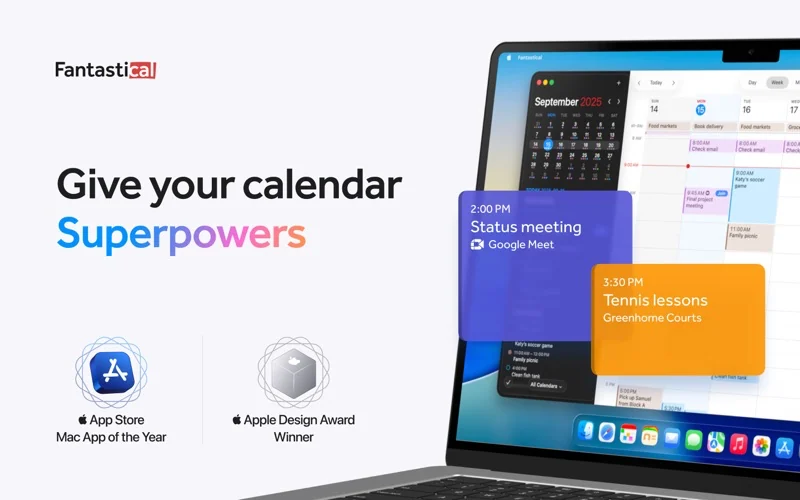
Fantastical is a calendar application for people who need to see several schedules in one Mac workspace without manually switching among accounts.
Free + paid options · Pricing details
Screenshots
macOS 12.4 or later
Availability
Available for macOS
Apple Silicon; Intel
Mac support
macOS 12.4 or later
Overview
Overview checked .
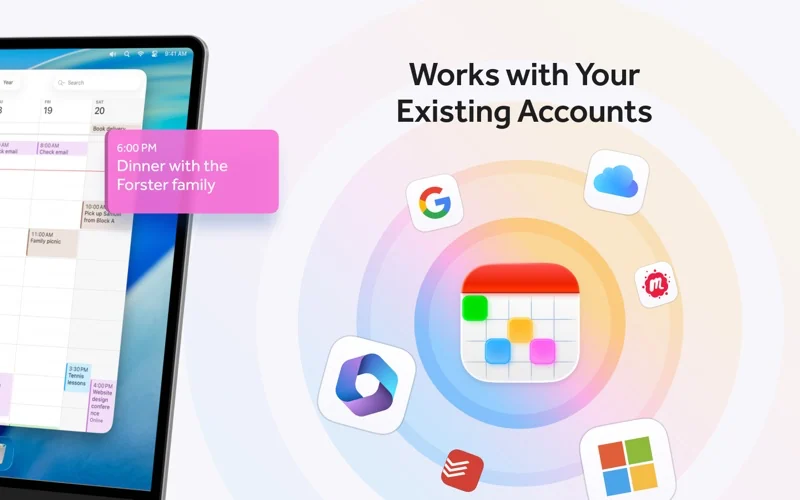
Fantastical is a calendar application for people who need to see several schedules in one Mac workspace without manually switching among accounts. Its free tier provides a basic calendar that works with existing calendars, while the current Flexibits Premium plans add the vendor's advanced features, including Fantastical Scheduling and priority support. The product page frames the app around a unified view for work and personal calendars, and the current pricing material identifies integrations with iCloud, Google, Exchange, and supported CalDAV services for invitations and availability. That can suit someone who moves between personal, company, and shared calendars, but the value of the paid tier depends on whether the premium scheduling or collaboration features are part of their routine. Fantastical is available through the Mac App Store and a direct Flexibits download. Apple’s current Mac App Store listing requires macOS 12.4 or later. The direct Flexibits download route now points to a 4.2.2 ZIP; the earlier x86_64 and arm64 slice observation applies only to the previously inspected 4.1.18 package. Premium is a subscription rather than a one-time Mac license, so compare the current monthly and annual terms, free-tier limits, and account or provider requirements before treating it as a replacement for the built-in Calendar app.
What it does
- Bring existing work and personal calendars into one organized calendar view instead of checking each account separately.
- Use the free tier for a basic Fantastical calendar connected to existing calendars, with Premium unlocking the vendor's advanced feature set.
- Use Fantastical Scheduling and the paid service's availability tools when coordinating an event is a regular part of the workflow.
- The official direct-download route now points to Fantastical 4.2.2. The earlier x86_64 and arm64 slice observation applies to the previously inspected 4.1.18 package, not the current download.
Ways to use it
- Review work and personal calendars in a single view before committing to a new meeting or task block.
- Use supported iCloud, Google, Exchange, or CalDAV invitations and availability information when finding a time with other people.
- Create a scheduling flow under Flexibits Premium when external invitees need to choose from available times rather than exchange calendar emails manually.
Before you download
- The current free tier includes a simple calendar using existing calendars, while Fantastical Scheduling and other premium features belong to paid Flexibits Premium plans.
- Flexibits currently advertises Individual, Family, and Team premium plans with recurring monthly or annual pricing and a 14-day free trial, so check the displayed terms before starting a subscription.
- The Apple App Store listing currently requires macOS 12.4 or later, and account integrations depend on the user's existing calendar provider and any applicable provider permissions.
Sources and last checked
This overview uses official or authorized sources, not hands-on testing. Each link shows what was checked and when. Prices, compatibility, and availability can change.
- Developer website · flexibits.com
https://flexibits.com/fantastical
Checked
App details · Mac requirements · App images · Features and usage
Checked
Mac requirements
- Pricing · flexibits.com
https://flexibits.com/pricing
Checked
Features and usage
Checked
Pricing
Checked
Mac requirements · Downloads
- Official source · apps.apple.com
https://apps.apple.com/us/app/fantastical-calendar/id975937182?mt=12
Checked
App images · Features and usage
Checked
Pricing
Checked
Mac requirements · Features and usage
- Release notes · flexibits.com
https://flexibits.com/fantastical/download
Checked
Mac requirements · App images · Features and usage
Checked
Mac requirements · Features and usage
 Developer website · flexibits.com
 Pricing · flexibits.com
Related apps
- NotePlanNotePlan brings daily notes, tasks, and calendar context into a single planning surface for people who prefer working from text instead of maintaining separate notebooks and task boards.By NotePlan · noteplan.co
- Things 3Things 3 is a task manager for people who want one place to capture commitments, turn them into projects, and decide what deserves attention today.By Cultured Code · culturedcode.com
- CraftCraft is a document and note workspace for people who want to write, arrange ideas, and share finished material without moving every project into a separate task board or database.By Craft Docs Limited · craft.do