
Design
Sketch
Sketch is a macOS design tool for teams and solo designers who want to build interface layouts, reusable components, design systems, and interactive prototypes in a dedicated desktop app.
One-time purchase · Pricing details
Screenshots

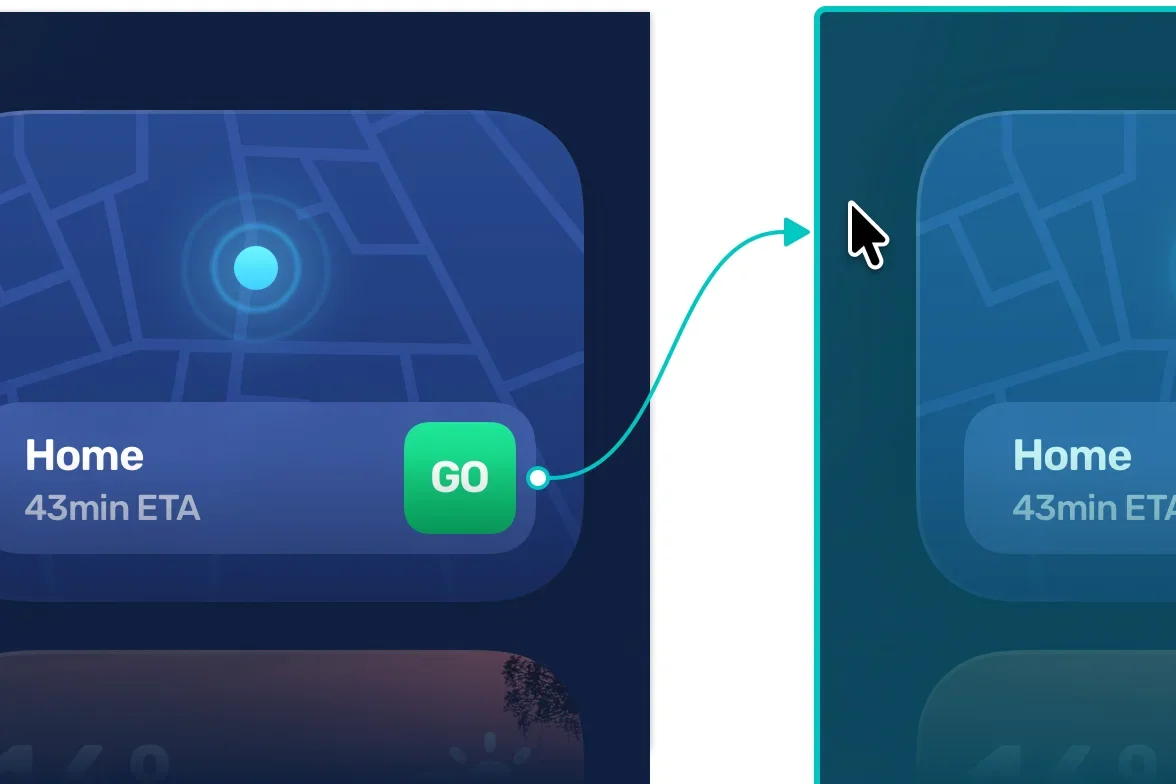
macOS Sequoia 15.0.0 or newer (Sketch 2026.3.1)
Availability
Available for macOS
Apple Silicon; Intel
Mac support
macOS Sequoia 15.0.0 or newer (Sketch 2026.3.1)
Overview
Overview checked .
Sketch is a macOS design tool for teams and solo designers who want to build interface layouts, reusable components, design systems, and interactive prototypes in a dedicated desktop app. The official feature and documentation pages describe a native Mac editor that can work privately and offline, while the web app lets other collaborators inspect designs, export assets, leave comments, and take part in handoff. The official Mac download page now lists Sketch 2026.3.1 and requires macOS Sequoia 15.0.0 or newer. The earlier Intel and Apple-silicon slice observation applies only to the previously inspected 2026.2.1 archive, not the current download. The buying decision matters because Sketch has two distinct paths. A Mac-only license keeps documents local and does not include web-app or real-time collaboration features, while a subscription adds a shared Workspace and collaboration. That makes Sketch a good fit when the team needs a Mac-based editor with a clear path from visual design to prototype and developer review, but the collaboration workflow needs an account, shared Workspace, and compatible Mac-app versions for everyone editing together. Try the workflow with a representative document before committing to a plan, and check the current pricing and renewal terms directly with Sketch before purchase.
What it does
- Design interfaces, create reusable components and Libraries, build design systems, and prototype interactions in Sketch's Mac app.
- Work privately and offline in the native Mac editor when a local-document workflow is the right fit.
- Let collaborators use the web app to inspect designs, export assets, comment, and participate in developer handoff without requiring the Mac editor for viewing.
- The official download page lists Sketch 2026.3.1 for macOS Sequoia 15.0.0 or newer. The earlier x86_64 and arm64 slice observation applies to Sketch 2026.2.1 only.
Ways to use it
- Build an interface and reusable component Library in the Mac app, then keep the document local when the work does not need a shared Workspace.
- Save a design to a shared Workspace when a team needs real-time editing, browser comments, inspection, or developer handoff.
- Create a prototype in the Mac app and use the companion viewing paths to review it with stakeholders before implementation.
Before you download
- The current Sketch 2026.3.1 download requires macOS Sequoia 15.0.0 or newer. Earlier package observations do not establish support for the current release; confirm a compatible version for your Mac.
- A Mac-only license keeps documents local and excludes shared Workspace, web-app, and real-time collaboration features; choose the purchase path around the actual collaboration need.
- Real-time collaboration requires a subscription, a shared Workspace document, and compatible Mac-app versions for people editing together.
- Sketch states that direct purchases from India are not supported from July 15, 2026; confirm the available purchase route for your region before committing.
Sources and last checked
This overview uses official or authorized sources, not hands-on testing. Each link shows what was checked and when. Prices, compatibility, and availability can change.
- Developer website · sketch.com
https://www.sketch.com/features/
Checked
App details · Mac requirements · App images · Features and usage
Checked
Mac requirements
- Pricing · sketch.com
https://www.sketch.com/pricing/
Checked
Features and usage
Checked
Pricing · Features and usage
Checked
Mac requirements · Downloads
- Release notes · download.sketch.com
https://download.sketch.com/sketch-2026.2.1-231087.zip
Checked
Mac requirements · App images · Features and usage
Checked
Mac requirements
- Help and support · sketch.com
https://www.sketch.com/docs/sharing-and-collaborating/real-time-collaboration/
Checked
App details · App images · Features and usage
Checked
Mac requirements
- Developer website · sketch.com
https://www.sketch.com/downloads/mac/
Checked
Mac requirements · Features and usage
 Developer website · sketch.com
 Pricing · sketch.com
 Release notes · download.sketch.com
 Help and support · sketch.com
Related apps
- AcornAcorn is a desktop image editor for Mac users who want layers, selection tools, filters, and export controls without committing a project to a subscription service.By Flying Meat · flyingmeat.com
- Screen StudioScreen Studio is a macOS screen recorder and editor for people who need a short product demo, tutorial, or visual explanation without assembling every camera move by hand.By Screen Studio · screen.studio
- ShottrShottr is a compact macOS screenshot application for people who need to capture an image and immediately mark it up, measure it, or pull text from it.By Shottr · shottr.cc